
Course completion means a learner met every required condition you set. Progress just means they clicked around. To track course completion properly, turn on completion tracking at the course level, pick a completion model, mark your required items, and check learner status through a dashboard that exports to CSV or PDF. The rest of this guide walks through each step.
TL;DR:
- Completion tracking must activate at the course level and be set with specific criteria, whether module-based or condition-based, before learners enroll.
- Progress indicates activity levels, but course completion depends on whether learners meet predefined success conditions, such as quiz scores or assignment submissions.
- Dashboards display real-time progress, status badges, and item-level data, which help identify content causing learner dropoffs and inform targeted interventions.
- Admin controls like force completion, progress clearing, and bulk edits require exports for record-keeping and should be used carefully to maintain trust.
- Integrated platforms that connect course tracking, community, and automated outreach save time and improve the effectiveness of learner engagement strategies.
Table of Contents
- How Do You Track Course Completion vs Just Progress?
- How Do I Turn On Completion Tracking for My Course?
- What Should You Look for on a Completion Dashboard?
- How Do You Fix Completion Records When Something Goes Wrong?
- How Can Completion Data Reduce Learner Dropoffs?
- How Do Integrated Platforms Cut Down on Completion Admin Work?
- Want Completion Tracking Without the Tool-Switching?
- Where to Find Platform-Specific Completion Docs
- Sources
- FAQ
How Do You Track Course Completion vs Just Progress?
Progress and completion sound like the same thing. They aren't, and mixing them up is where most course dashboards go wrong.
Progress is a raw activity count. A learner opened four of ten modules, so progress reads 40%. Completion is a decision you made in advance: did the learner meet the specific conditions you defined as "done"? A learner can hit 100% progress by clicking through every page and still fail to complete the course if you required a passing quiz score they never reached.
This distinction matters most when certificates are involved. A certificate of completion is formal verification that someone met your stated requirements, not proof they scrolled through content. Progress metrics track interaction. They do not automatically qualify a learner for certification, which is exactly why you need to define completion criteria before you ever issue a certificate.
There are two main models for setting that criteria:
- Topic or module based tracking: completion fires when a learner finishes a set sequence of modules, videos, or pages, in order or not. This fits linear courses where step-by-step progression matters more than proving mastery.
- Release condition or criteria based tracking: completion fires only when specific conditions are met, such as a quiz score above 80% or submission of a graded assignment. This fits courses tied to certification, compliance training, or any program where you need proof of competence, not just attendance.
Pick criteria based tracking whenever a credential, license, or client deliverable depends on the outcome. Pick module based tracking when the goal is exposure to material, like an onboarding sequence or a low-stakes internal training.
How Do I Turn On Completion Tracking for My Course?
Enabling completion tracking usually requires administrator or course-creator permissions. If you're an instructor without admin access, check with whoever manages your platform account before you start, since the setting typically lives at the course level, not the individual lesson level.
Here's a checklist that works across most platforms, adapted from patterns documented in Moodle's completion tracking setup:
- Turn on the completion tracking feature at the course settings level, not just for individual activities.
- Choose your completion model: module based, criteria based, or a hybrid combining both.
- Go into each activity, lesson, or module and flag which ones count as "required for completion."
- Set how completion displays to learners, whether as a percentage, a progress bar, or a status badge.
- Decide whether completion is automatic (triggered by a quiz pass or view event) or manual (marked by the learner or instructor).
Watch for platform-specific quirks. Some systems only trigger completion on a passing quiz grade, not a submission attempt. Others require you to flag an item as "required" separately from making it "gradable," which trips up a lot of first-time course builders. Video-based platforms sometimes need a minimum watch-time threshold configured before a video counts toward completion at all.
Pro Tip: Test your completion settings with a dummy learner account before launch.
If you're setting up a new course from scratch, working through a structured launch checklist before you touch completion settings saves you from rebuilding your module structure after learners have already enrolled.
What Should You Look for on a Completion Dashboard?
Once tracking is live, your dashboard becomes the single place you check learner status instead of guessing. Most platforms display a consistent set of elements:
- Progress bars that calculate the percentage of completed activities against total curriculum, updating in real time as learners interact with modules, videos, or quizzes.
- Status badges like Completed, In Progress, At Risk, or Overdue, often color-coded for quick scanning.
- Change indicators, showing whether completion on a given item increased, decreased, or held steady over a set period, which flags problems before they become trends.
Drilling into individual learners matters as much as the aggregate view. A course-wide completion rate below full completion hides which specific module is causing some learners to stall. Click into an individual learner's record and you'll usually see item-level completion, timestamps, and attempt counts for graded activities.
Dashboards that aggregate this data well reveal engagement patterns and item-level dropoffs, which is what lets you target the actual content causing the problem instead of guessing at your whole curriculum.
Export matters here too. A CSV, Excel, or PDF export of your completion report lets you run interventions outside the platform, hand records to compliance, or archive proof of completion for audits. Most educators check dashboards weekly but export monthly, or right before a reporting deadline.
How Do You Fix Completion Records When Something Goes Wrong?
Completion data breaks sometimes. A quiz glitch marks someone incomplete despite a passing score, or a learner needs to retake a module after a policy change. Admin tools generally offer three distinct actions, and picking the wrong one creates real problems.
- Force completion manually marks an item or course complete, useful when a technical error blocked an otherwise-earned completion.
- Clear progress wipes the completion state for one item without touching the rest of the learner's record.
- Bulk edit activity completion applies a change across many learners at once, useful after a platform bug or a policy correction affecting an entire cohort.
Platforms with robust admin controls typically support all three, alongside bulk editing tools for cohort-wide fixes.
Pro Tip: Before you force-complete or bulk edit anything, export a snapshot of current records. If a certificate was already issued based on the old completion status, you want a paper trail showing exactly what changed and when.
Tell affected learners what changed and why, especially if a reset means they lose access to a certificate temporarily. Silence here erodes trust faster than the technical error ever did.
How Can Completion Data Reduce Learner Dropoffs?
Completion tracking earns its keep when you actually act on what it shows you, not just report it. Monitoring functions as an intervention tool: catching a struggling learner in week two beats trying to save them in week eight.
- Pull your dashboard weekly and identify the specific module where completion drops hardest. That's your revision priority, not the whole course.
- Break high-dropoff modules into shorter checkpoints. A 40-minute module that loses 30% of learners often turns into three 12-minute segments that lose almost none.
- Mark only the activities that genuinely matter as "required." Overloading required items creates friction that looks like disengagement but is really just design fatigue.
- Automate outreach triggered by inactivity or missed due dates, so a learner who stalls gets a nudge before they've fully checked out.
None of this replaces good course design. It just tells you, with actual numbers, where design attention belongs. Reducing dropoff at the module level tends to do more for overall retention than any late-course rescue campaign, an idea worth pairing with broader retention strategies if completion is tied to an ongoing membership.
How Do Integrated Platforms Cut Down on Completion Admin Work?
Setting up tracking, checking dashboards, exporting reports, and running outreach usually means switching between separate tools built for each job. When course delivery, community engagement, and automation live in one system, a completion trigger can launch a nudge sequence without you rebuilding the workflow in a second platform. That's the practical case for consolidation, not a theoretical one.
— Anastasia
Want Completion Tracking Without the Tool-Switching?
Some platforms put course completion tracking, learner dashboards, and automated outreach in one workspace, so a stalled learner triggers a follow-up email without you exporting a spreadsheet into a separate marketing tool. That's the real cost most educators underestimate: not the tracking itself, but the time lost stitching together the course platform, the CRM, and the email tool every time you want to act on the data.

If completion data is going to actually change how you teach, it needs to connect directly to the tools that reach your learners. Aria's integrated course and community platform handles completion tracking, progress dashboards, and automated nudges from a single dashboard, replacing the separate subscriptions most course creators juggle to do the same job. Explore the full platform overview to see how course completion connects to community management and marketing automation without a second login, and check the acceptable use guidelines if you're evaluating it for a team or client-facing program.
Where to Find Platform-Specific Completion Docs
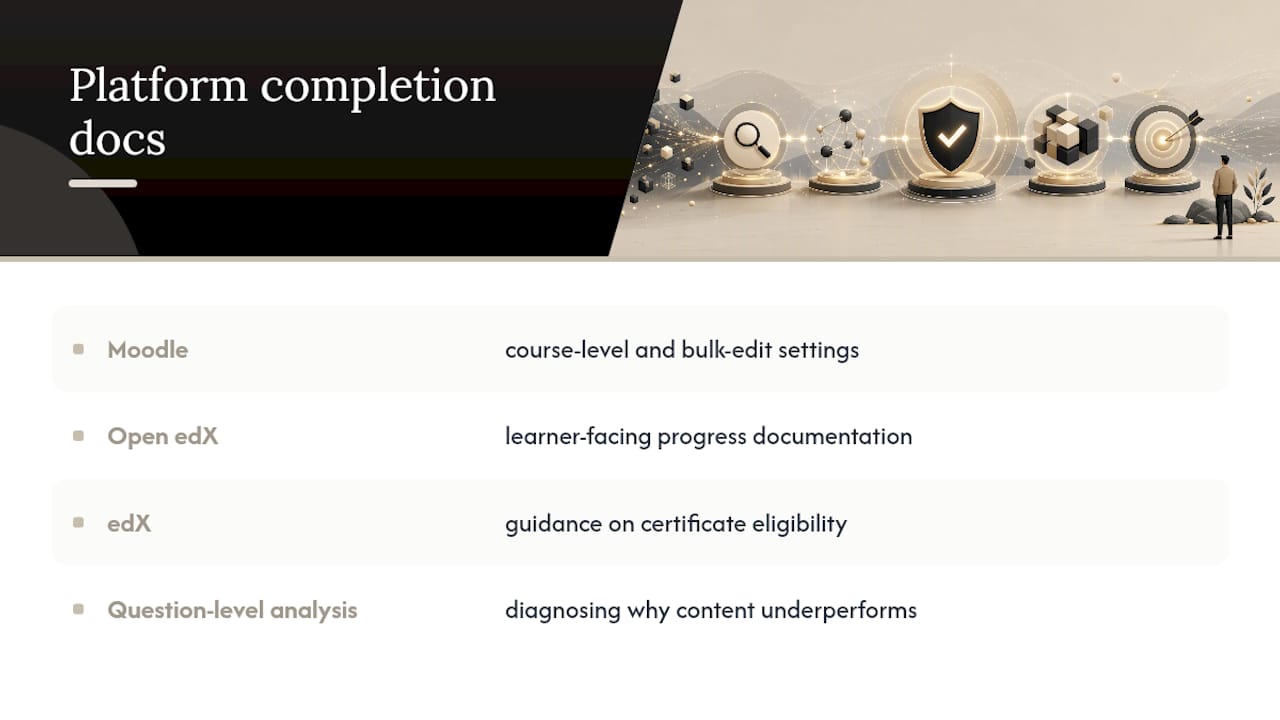
For exact steps on your platform, official documentation beats any general guide. Check Moodle's completion tracking reference for course-level and bulk-edit settings, Open edX's progress documentation for learner-facing progress bars, and edX's guidance on certificate eligibility if certificates are part of your program. For diagnosing why specific content underperforms, question-level analysis is a useful next read.
Sources
- How can my course be marked as completed - edX Support
- Open edX documentation — check progress
- Overall Progress — Fermion docs
- Completion Tracking in Moodle — Gettysburg Knowledge Base
FAQ
What does "course completion" mean?
Course completion means a learner met every condition you defined as required, whether that's finishing all modules or hitting a specific quiz score. It's distinct from progress, which just measures activity, not achievement of a defined outcome.
How can I track my learning progress?
Check your course dashboard for a progress bar or percentage showing completed activities against total curriculum, and look for status badges like "In Progress" or "Completed" on individual items. Most platforms update this automatically as you interact with videos, quizzes, and modules.
How many hours does it take to complete a course?
This varies entirely by course length and format, and no single number applies across course types, so check the specific course's stated duration rather than assuming a standard. Platforms typically list estimated completion time on the course overview page.
What is a certificate of course completion?
A certificate of completion is formal proof that a learner met your stated requirements, not just that they viewed content. Because progress metrics don't automatically equal certification eligibility, you need to define completion criteria before issuing any certificate tied to it.
Can I fix a learner's completion status if it's wrong?
Yes. Most platforms let you force-complete an item, clear progress on one activity, or bulk edit records across a cohort, though you should export a snapshot before making changes if a certificate was already issued.